

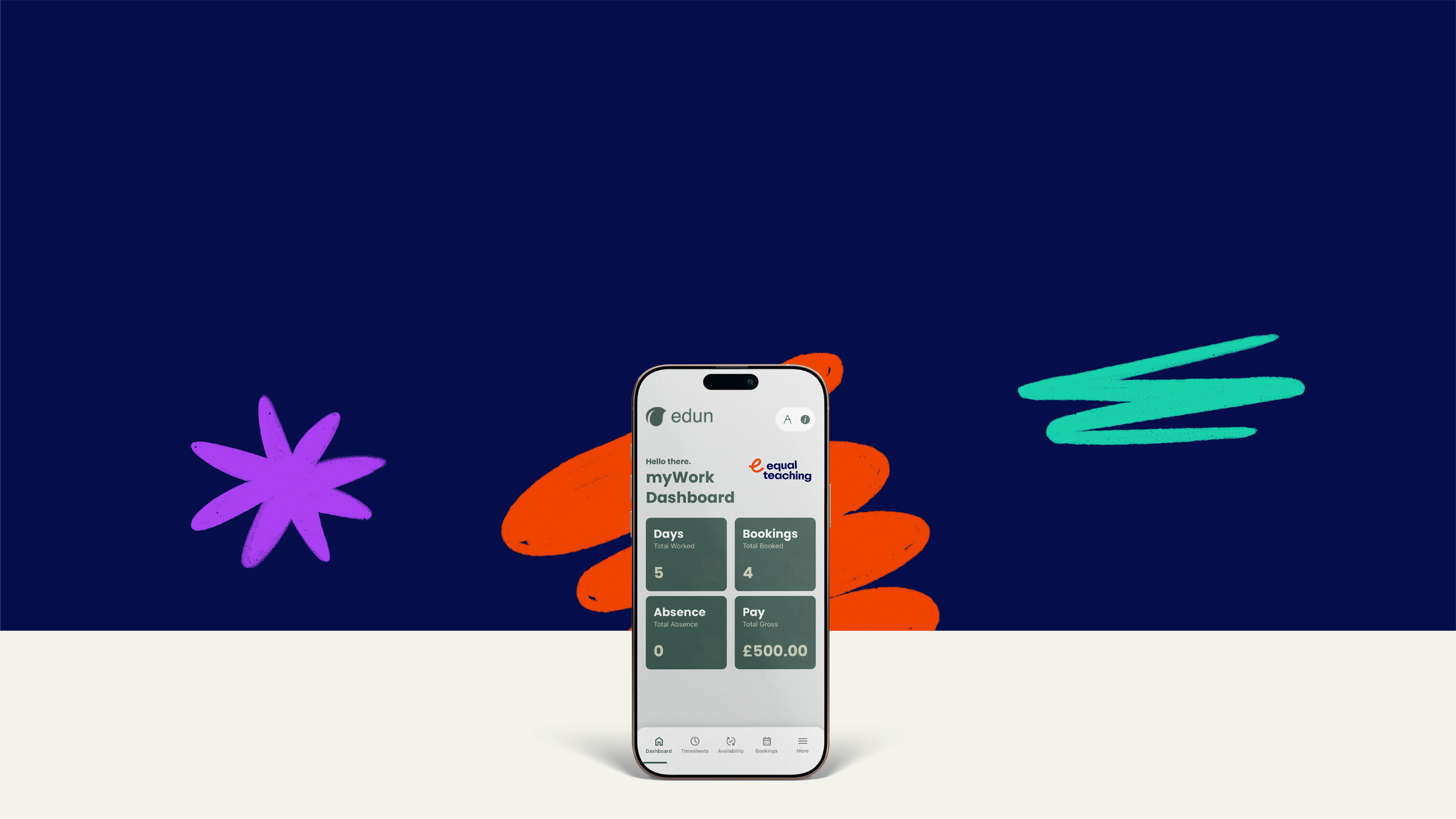
Introducing myWork
A simpler way to manage your work with Equal Teaching
At Equal Teaching, we are always looking for ways to make working with us more efficient for the educators we support.
That is why we are now using myWork, a dedicated app designed to help you manage key parts of your work with us in one place.
Whether you are updating your availability, checking bookings, reviewing timesheets or keeping important documents together, myWork gives you a more straightforward way to stay organised and connected.

What you can do with the myWork app

Update your availability quickly
and easily

View upcoming bookings in one place

Access, approve or query timesheets
Securely store important
documents securely

Bringing all of this together helps make day to day agency work more manageable and gives you a clearer view of what is happening, when and where.
Download the app from the App Store or Google Play:

Getting started
How to set up and use the myWork App
-
Open the App Store (iPhone) or Google Play Store (Android) and search for myWork by Edun
Alternatively, you can scan the QR code provided above.
-
The Equal Teaching team will supply you with an activation code to access your account for the first time.
Please let your relevant contact know if you don’t receive this.
-
Follow the prompts to set up an account using the email address you registered with Equal Teaching.
Once logged in, you will arrive at the Dashboard which gives you a quick overview of your work.
-
Your dashboard shows key information at a glance, including:
Days worked
Upcoming bookings
Absences
Pay totals
This gives you a quick overview of your activity and helps you stay on top of your work schedule.
-
Keeping your availability updated is one of the most important steps.
Tap ‘Availability’ in the menu.
Select the days you are available to work.
Update your availability whenever your schedule changes.
When your availability is accurate, Equal Teaching can match you with schools more quickly.
Updating availability regularly helps ensure you receive the right opportunities.
-
All confirmed work bookings will appear in the Bookings section.
Here you can:
View upcoming work placements
See school details
Check dates and times
Confirm booking information
Having everything in one place makes it easier to plan ahead and stay organised.
-
Instead of sending timesheets by email, everything is handled in the app.
Go to ‘Timesheets’.
Review the hours recorded for your booking.
Approve the timesheet once confirmed.
If something does not look right, you can query the timesheet directly through the app.
-
The ‘Documents’ section allows you to store important compliance documents such as:
DBS information
ID documents
Qualifications
Safeguarding certificates
Keeping these documents uploaded ensures your profile remains compliant and ready for placements.
All documents are stored securely and can be accessed whenever needed.

Need help?
If you have any issues setting up the app or logging in, please contact the Equal Teaching team and we will be happy to help.